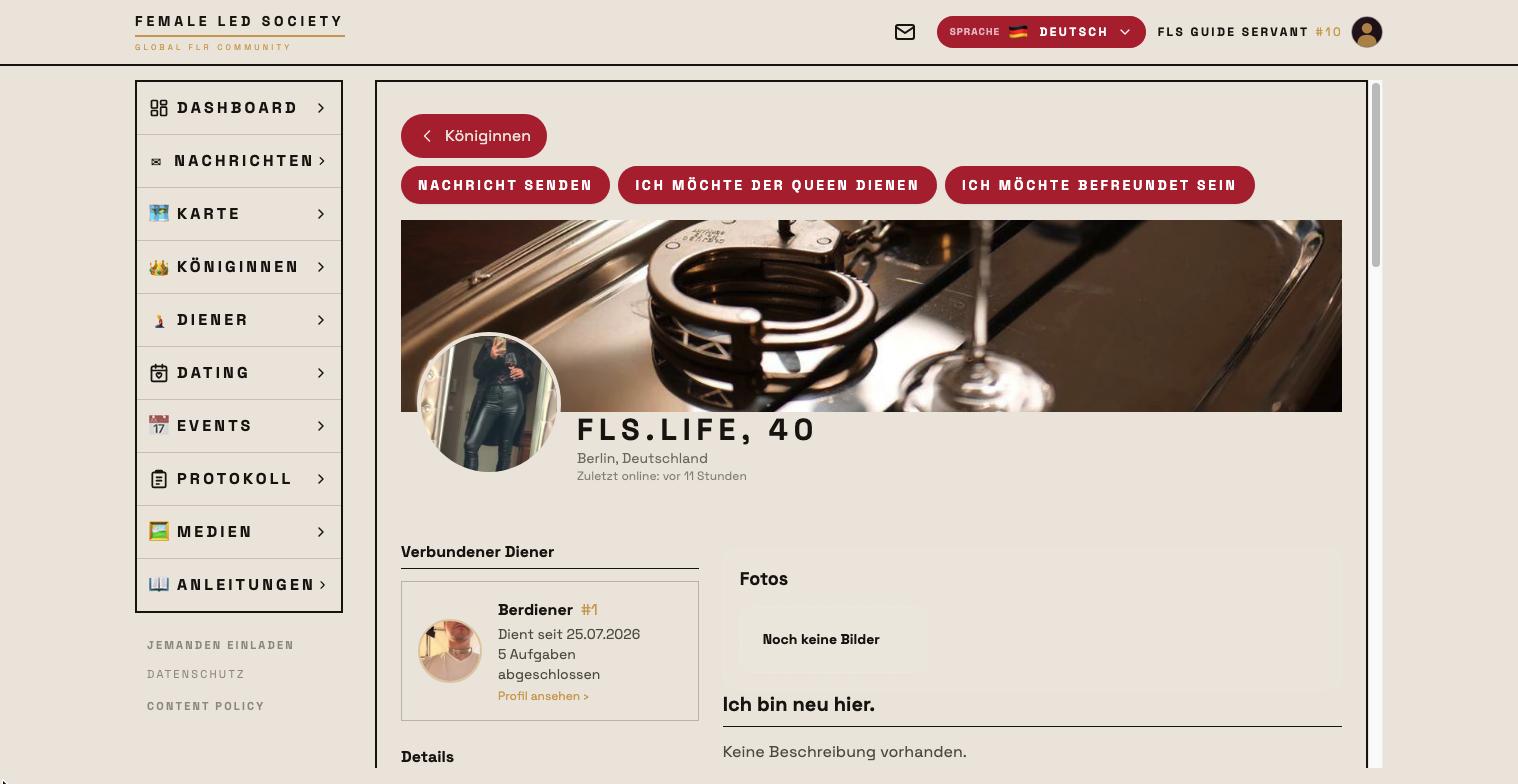
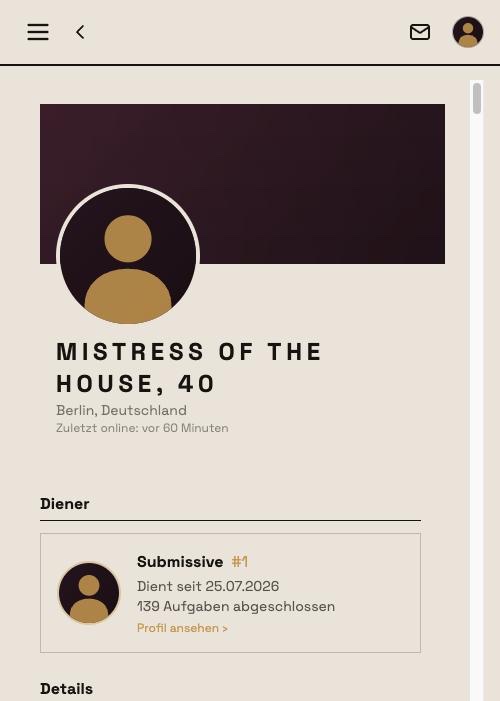
The connection between a queen and a servant is the heart of the Female-Led Society: only once a connection is confirmed can the queen give her servant tasks and rules and rate his work. Alongside that there are friendships — casual contacts without any role.
Here we follow Femdom as she takes on Submissive as her servant.
Requirements
- Both need a profile picture of their own — uploading is enough, you need not wait for approval. Without one, the button is replaced by the notice You need a profile picture of your own to send a connection request, with a link to the profile.
- A queen can switch off servant requests in her account settings; her profile then reads This queen is currently not accepting new servant requests. Her own requests to servants remain possible.
- Between friends there is no connection button — anyone who wants to serve dissolves the friendship first. Conversely, the friend request disappears once a connection exists.
- Blocked members do not see each other (see below).
Requesting a connection
The request can come from either side. The buttons sit at the very bottom of the profile page, after all profile details — the wording tells you which side:
| Where | Button |
|---|---|
| Queen on a servant's profile | He shall serve me (for a female servant: She shall serve me) |
| Servant on a queen's profile | I want to serve the Queen |
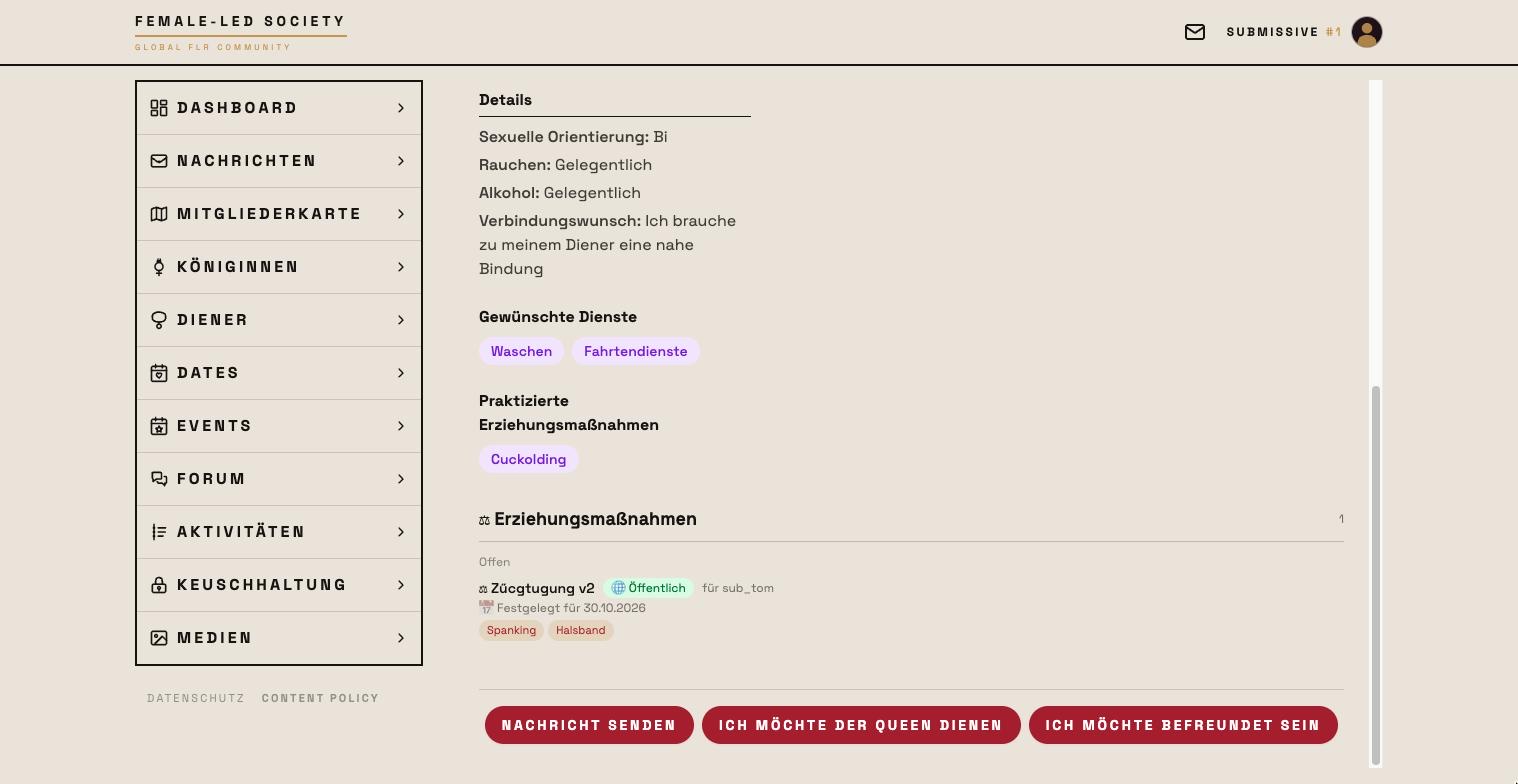
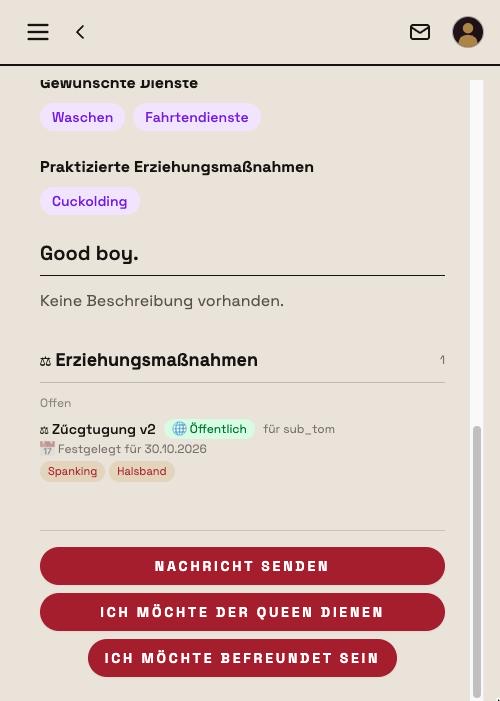
Femdom opens the list of nearby members via Servants in the left-hand menu and clicks on Submissive. At the bottom of his profile sit the actions:
- Send message — opens the chat (see Messages).
- He shall serve me — sends the service request.
- Request friendship — sends a friendship request.
One click on He shall serve me is enough. The same spot then reads Waiting for confirmation…, with Withdraw next to it in case she changes her mind:
In her own profile, tab Connections, the entry appears under Dominates as Pending.
If the servant asks instead, a dialog first names the consequences: that the connection only comes into effect once the queen confirms, that she can then give him tasks and set goals and that missed tasks are recorded, that the connection is publicly visible on both profiles — and that he can dissolve it again at any time. Only Send request sends it. Serving is not just another click.
Answering requests
For Submissive the request shows up on his dashboard in the box Queen requests (for a queen: Servant requests) — with profile picture, name and "wants you to serve her":
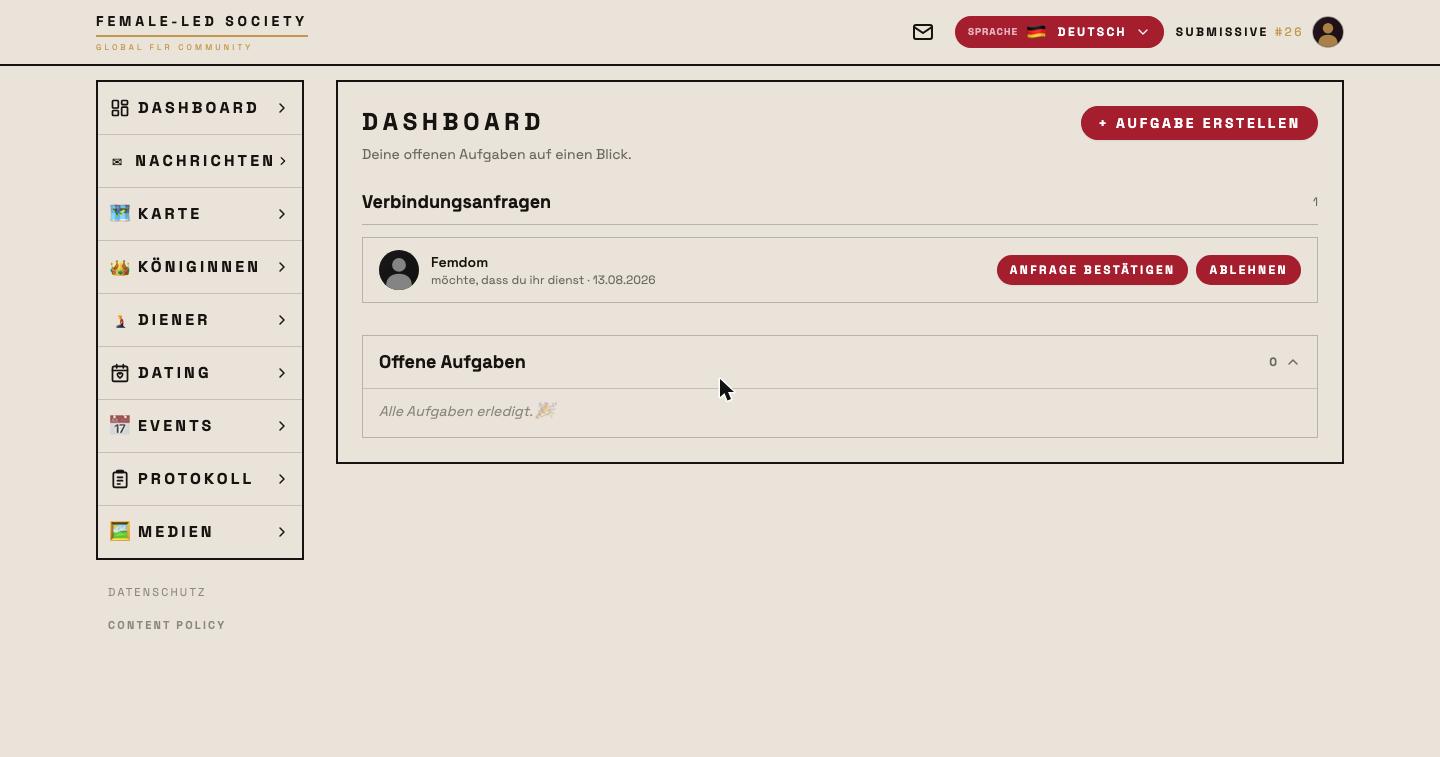
He clicks Confirm request. Decline discards it instead. The same decision is also available in his profile, tab Connections, under Pending. Anyone with push notifications switched on also gets the request on their device.
After confirmation
The connection now appears on both profiles — under I serve these queens for him, under Dominates for her, each with "Connected since" and the number of completed tasks:
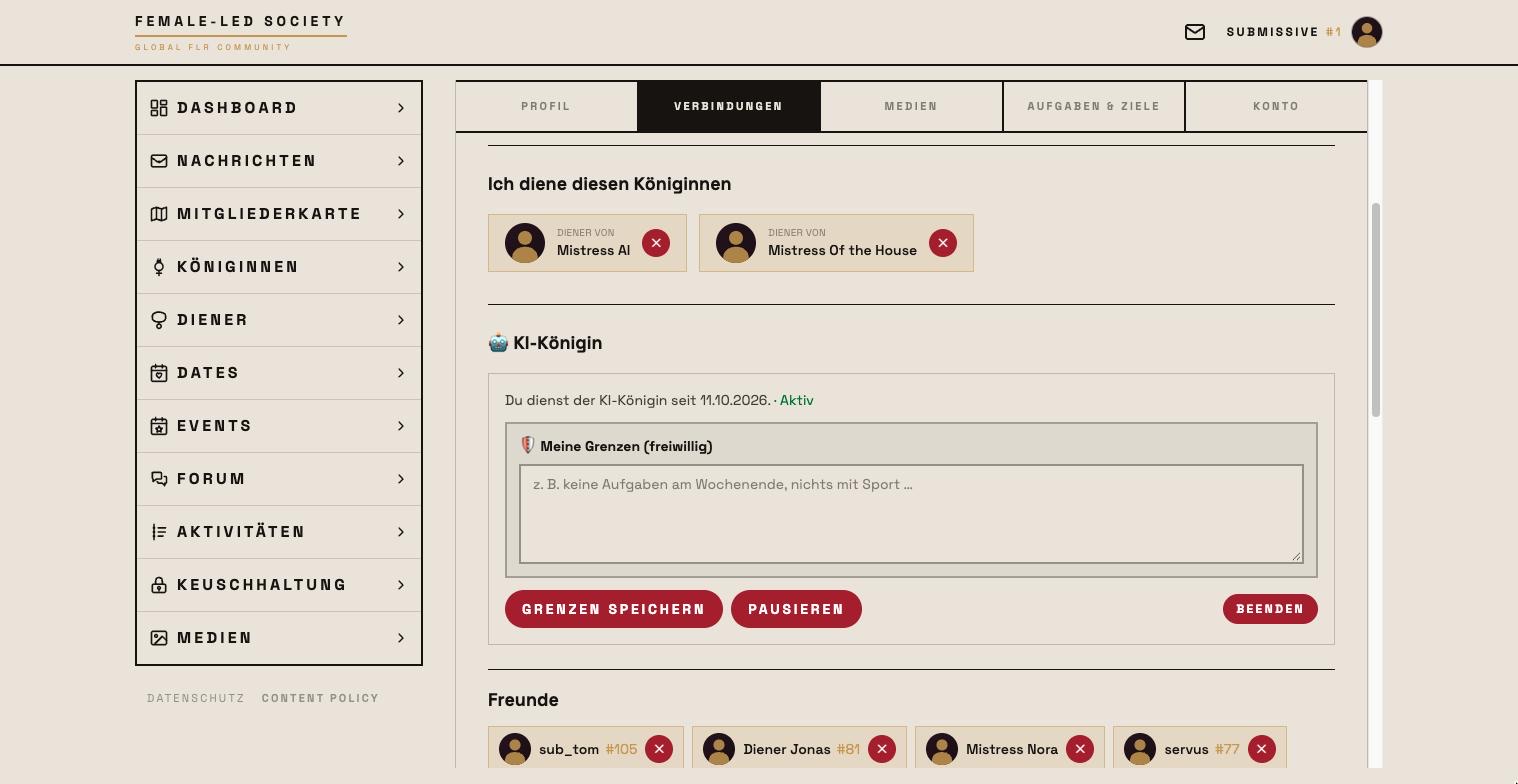
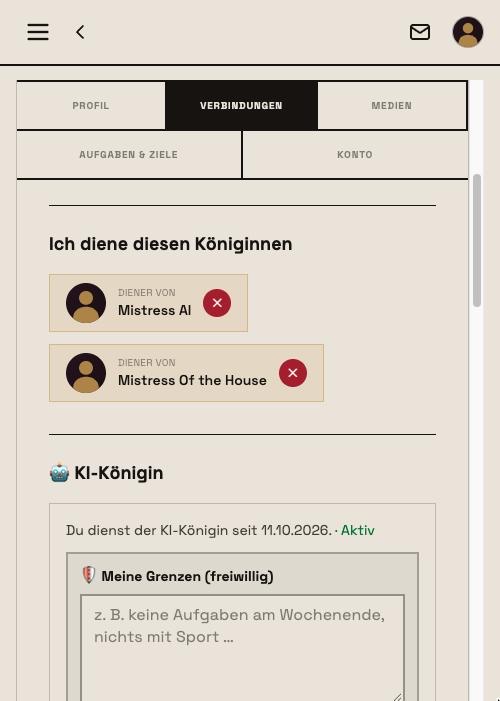
On his profile everyone sees the Queen section with Femdom, since when he has served and how many tasks he has completed; her profile lists under Servants who serves her.
What a connection enables
- The queen can give the connected servant tasks, rules and goals, rate completions, and for misses and reported rule violations impose educational measures or grant mercy (see Tasks and Dashboard). The servant can create tasks too and assign his queen to them.
- Only with a connection can lock-up periods be planned — imposed by her or requested by him (see Chastity).
- Both profiles publicly show who is connected to whom — including the number of completed tasks.
- The servant's completions appear, where public, in the Activity.
None of this works without a confirmed connection: while the request is pending, the queen cannot create a task for him on his profile.
Ending a connection
Either side can end the connection at any time — she via I want to release … at the end of his profile, he via I no longer want to serve … at the end of her profile; both also via the ✕ (Disconnect) next to the entry in the Connections tab of their own profile. A confirmation dialog guards the step. Completed tasks and ratings remain in the activity feed; a new request can be sent later. The FLR Review of this connection, however, is permanently deleted.
Friendships
Friendships are independent of roles: on a queen's profile the button reads I want to be friends, on a servant's Request friendship; this too needs a profile picture of your own. The other side confirms the request on the dashboard under Friend requests or in the Connections tab. Confirmed friends appear there under Friends. That keeps you in touch with members you have no service relationship with. Dissolve friendship sits small at the end of the profile page; afterwards you can send each other a new request.
Blocking
Anyone who no longer wants to hear from a member blocks them in the chat via the ⊘ Block member icon in the header. Afterwards you can no longer message or call each other or open each other's profiles — in both directions; an existing friendship or connection is dissolved, and its FLR Review permanently deleted. The other side is not told; they only see an unavailable profile. You can lift the block at any time in your own profile under Connections → Blocked members. Forum, events, feeds and search deliberately do not filter blocks.
The AI queen
Among the queens there is exactly one who is not a person: her profile carries the 🤖 AI label and explains what she does. Instead of the service request it offers Serve her (AI) — a consent dialog explains that your messages, pictures and proofs go to an AI provider, lets you enter limits and asks for your explicit consent. Consent and request sends your request to the FLS team; while it is waiting, you can withdraw it on her profile. Once an admin approves, the connection is created automatically and you get a push notification. After a rejection you cannot request again; support can help with questions. If you end the service and later want to serve again, you make a new request. The FLS team can also withdraw the approval: all tasks with her and the entire chat are then permanently deleted, without a notification to you; you can request again afterwards. She writes to you, sets tasks and rates completions; /pause or the word "Red" in the chat stops her. You can pause and end it at any time in the Connections tab. You can only write to her while you serve her.
Next step
With the connection in place, the foundation for daily practice is set: Tasks.