Activity is the community's public chronicle: it shows the latest activities of all servants — completed tasks with their ratings, imposed and executed educational measures, mercy granted, reported rule violations and lock-up periods. That is where transparency about what happens in the community comes from.
Note: The screenshots show the German interface — the layout is identical in every language.
Opening the activity feed
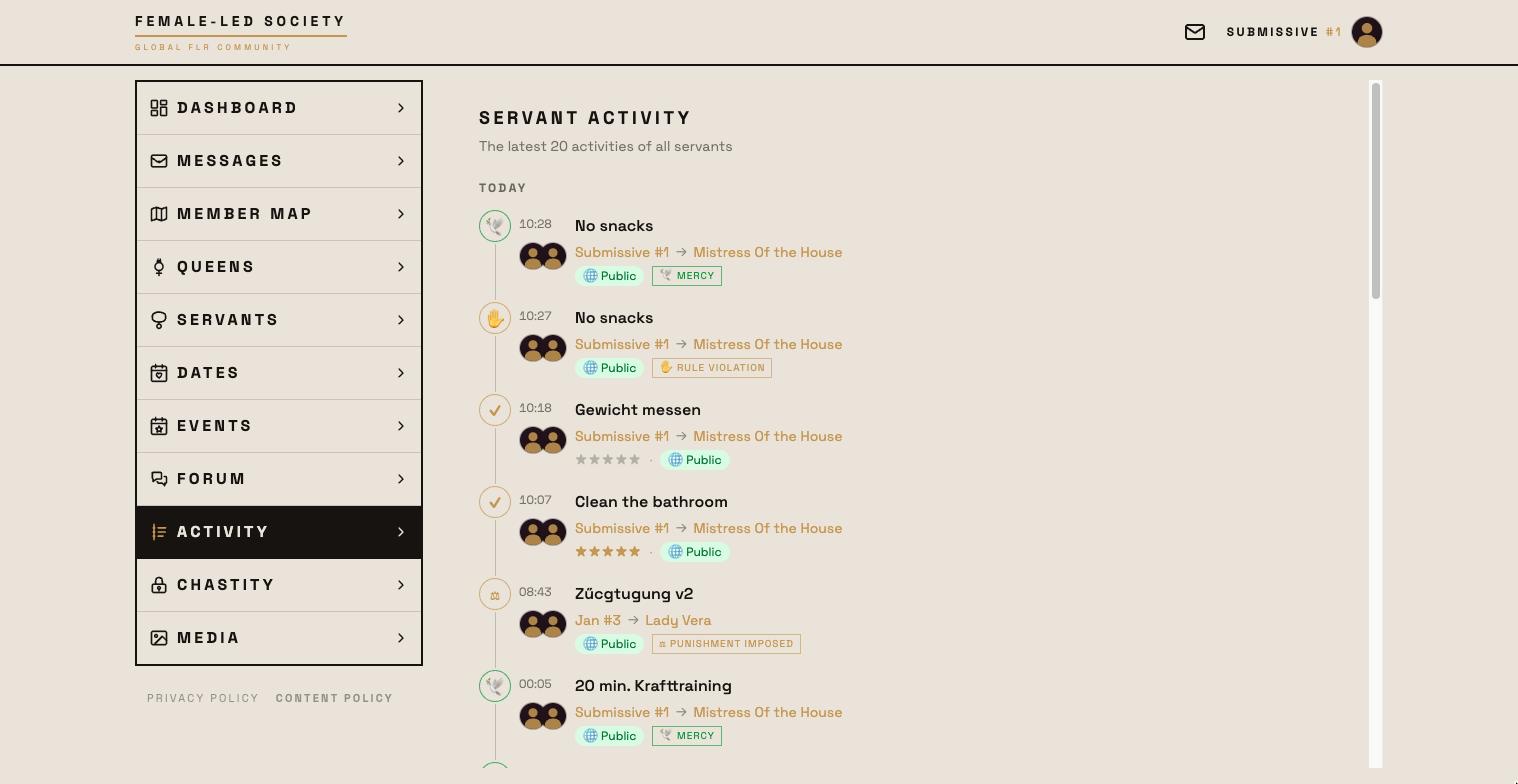
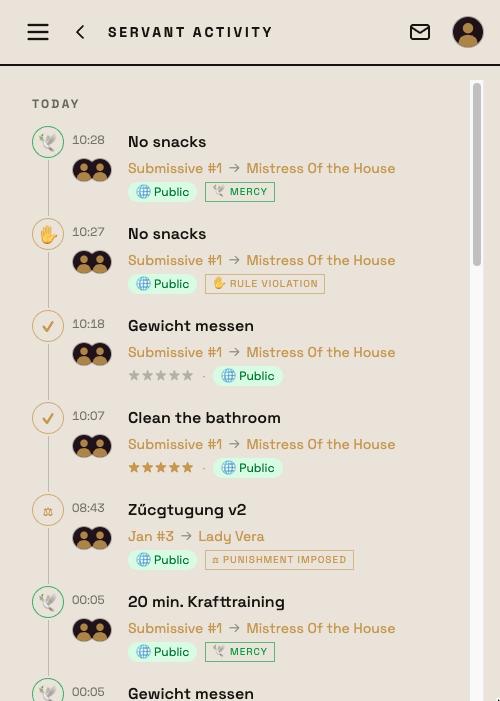
- Open Activity in the left menu.
- You see the latest 20 activities of all servants, grouped by day (Today, Yesterday, then the date) — newest first.
What it says
Every entry names who for whom and when: the servant, the queen and the moment; the names lead to the profiles. If a servant works on himself without a connection, that is stated explicitly.
There are seven kinds of entry, each with its own symbol on the timeline:
| Entry | Meaning |
|---|---|
| ✓ Task completed | A publicly visible task was finished — with the rating, provided the queen gave it publicly. |
| ⛓ Educational measure executed | A measure was worked through, with the rating of the execution. |
| ⚖ Educational measure imposed | The queen responded to an offence with a measure. The entry carries the measure's name. |
| 🕊 Mercy granted | The queen waived an offence. |
| ✋ Rule violation reported | A servant reported breaking one of his own rules. No rating; the account stays between queen and servant. |
| 🔒 Locked up | A publicly visible lock-up has begun. |
| 🔓 Lock-up ended | It was unlocked again. |
The rating sits on the right as stars, 0 to 5 — for tasks the rating of the completion, for educational measures that of the execution (see Tasks). Offences themselves are not rated.
Only what has been marked publicly visible appears in the activity feed — for tasks the checkbox in the task form, for educational measures the checkbox on the measure, for a lock-up the Publicly visible checkbox. A reported rule violation and a granted mercy follow the checkbox of the task or rule concerned; an imposed measure follows the checkbox of the measure. The rating of a completion is additionally shown only if the queen gave it as public. Private matters stay between queen and servant.
Viewing details
An entry that can be opened responds to a click on the whole row (Open entry):
- Task completed leads to the detail page of the completion with the timeline from Created via Deadline and Completed to Rated, the full description, the submitted proof — pictures, comment, filled-in proof fields, measured time — and the comments from both sides.
- Educational measure imposed and executed lead to the measure's page — for public measures open to every member, with the offences that led to it.
- Rule violation reported and Mercy granted lead to the task or rule, where the event is listed in the history.
- Locked up and Lock-up ended open the lock-up only for the two people involved; for everyone else the names lead to the profiles.
What the numbers mean
The # number after a servant's name, for example in the servants list, is his member number. It is assigned once and never changes — there is no ranking. How a servant performs is shown by the activity feed, his profile and the key figures of his tasks.