Via the Queens and Servants areas in the left menu you discover members in your area — sorted by distance, with filters and direct access to every profile.
Note: The screenshots show the German interface — the layout is identical in every language.
Discovering Queens
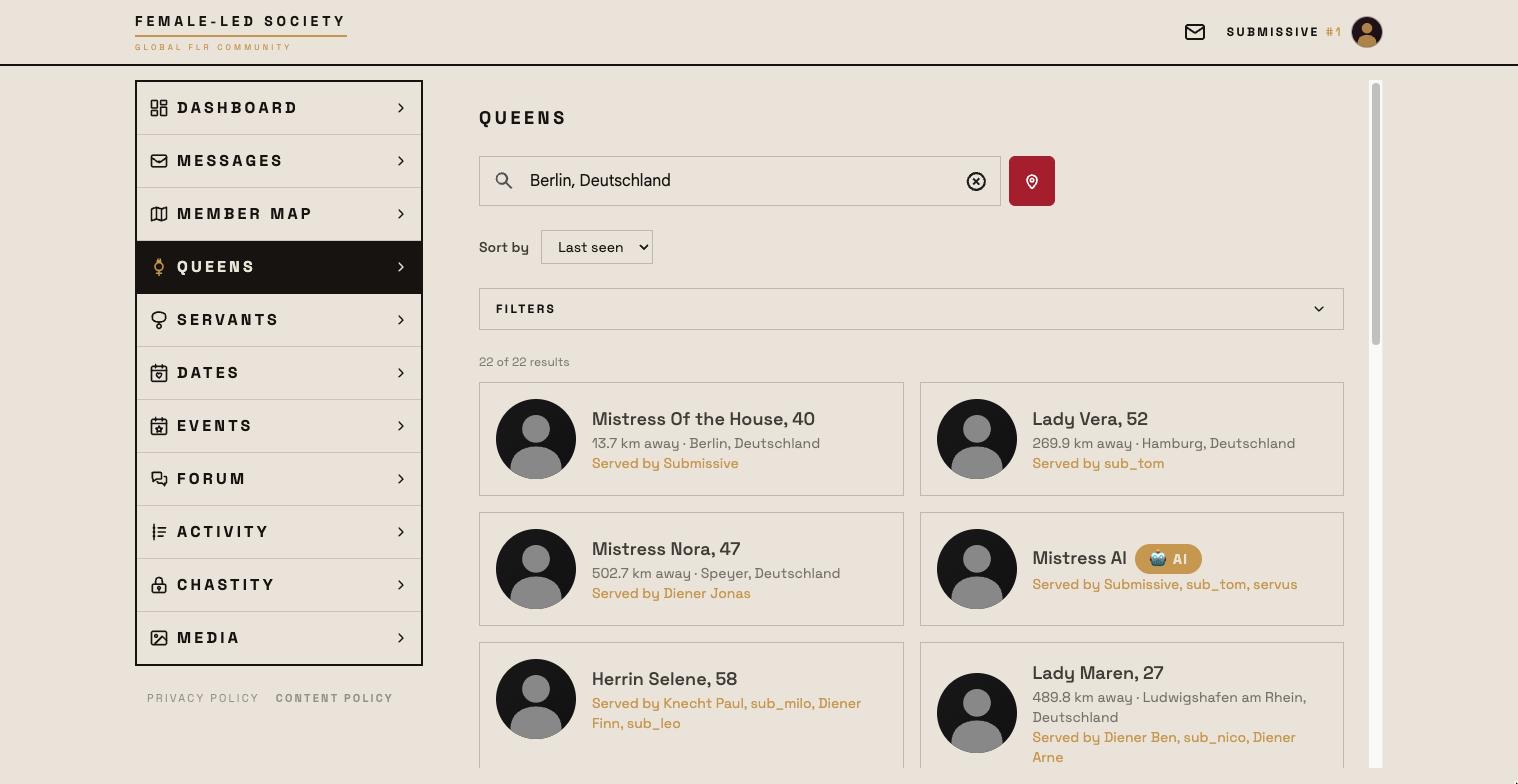
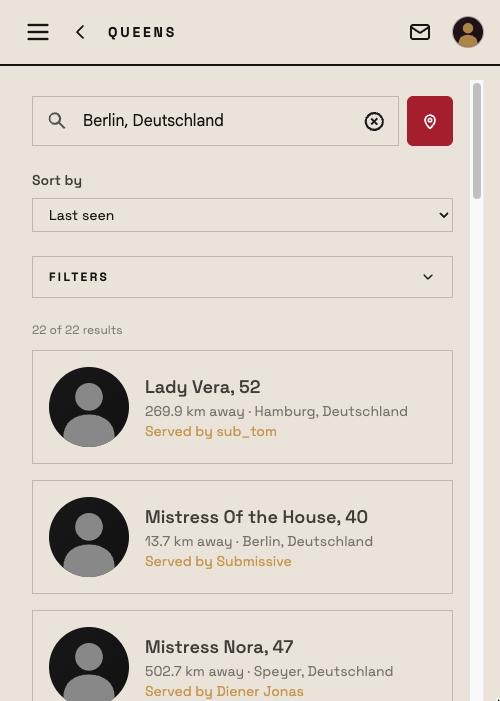
- Open Queens in the left menu.
- Your search location sits at the top: click Detect location automatically or type a place under Enter place or postal code. It is preset to your profile location — what you choose here is saved as your profile location and applies everywhere afterwards.
- The list shows the queens with name, age, distance and place. If a connection to a servant already exists, you see it right on the card ("Served by …"). The AI queen carries the 🤖 AI label.
- Click a card to open the full profile. Show more at the end of the list loads the next results.
Without a location of your own you see all members, last online first — distances and radius search only work with a location; a notice above the list says so.
Discovering Servants
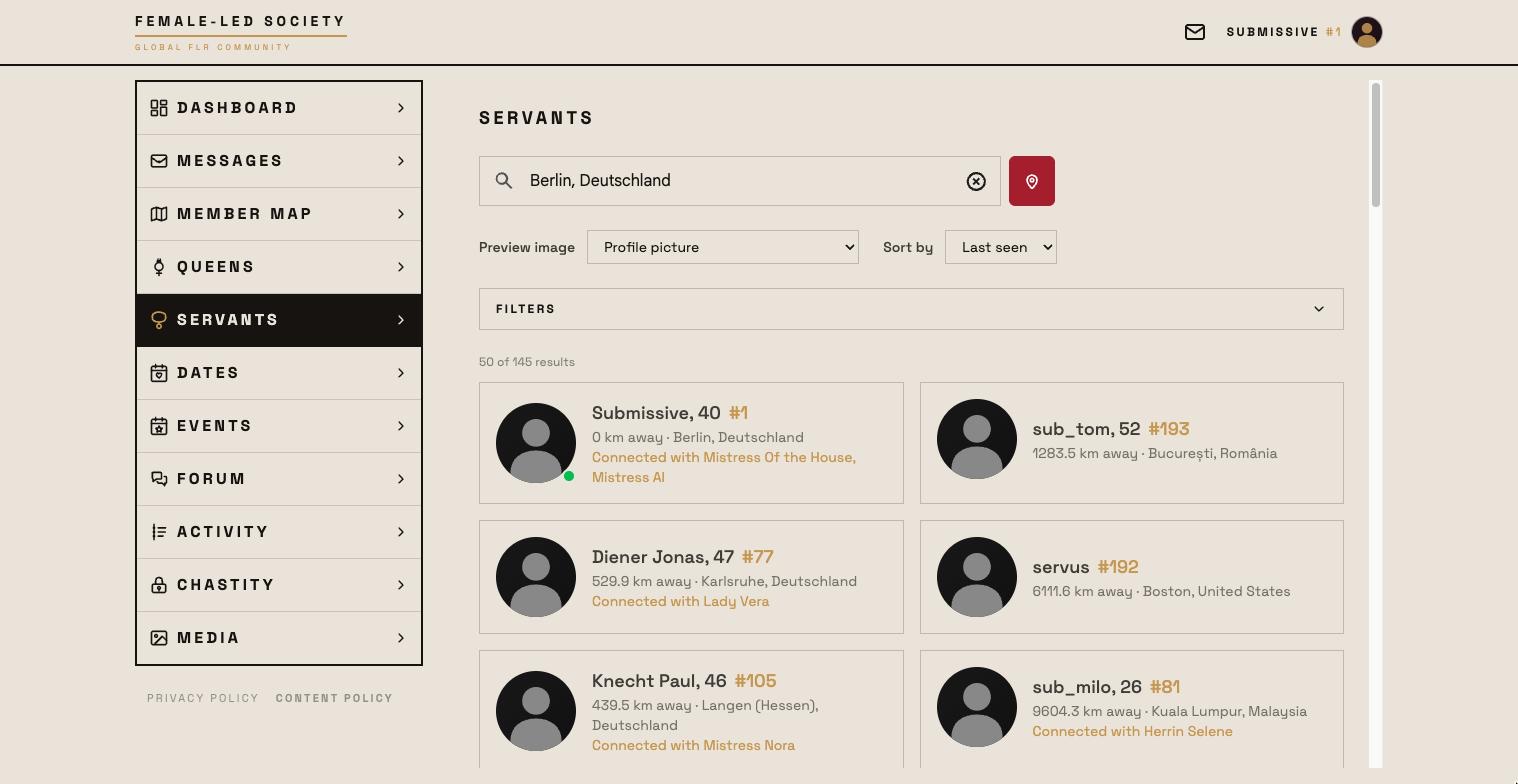
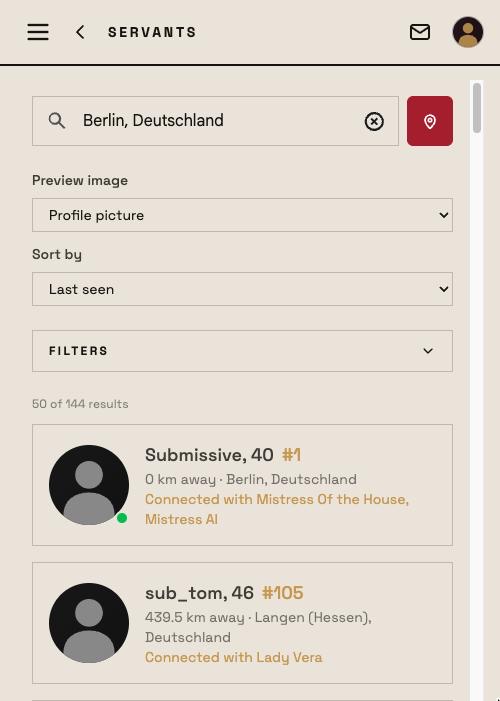
- Open Servants in the left menu.
- The same applies here: detect your location automatically or enter a place/postal code.
- Via Preview image you choose which picture is shown in the list: the profile picture or the image of a particular servant position (if a servant has no image for that position, his profile picture stays).
- The number next to the name (e.g. #12) is the servant number — it is assigned once and never changes, not even after a role change. Queens carry no number.
- "Connected with …" names the queens the servant already serves.
Sorting and filtering
Above the list sit the controls you touch more often:
- Preview image (servants only) — see above.
- Sort by — Distance (only with a location of your own) or Last seen. Profiles with a profile picture always come before profiles without one; profiles without a location come last when sorting by distance.
Clicking Filters unfolds the rest:
| Filter | Effect |
|---|---|
| Profile name | Part of the display name. |
| Age | from and to. |
| Radius | The radius around your search location, or Unlimited. A chosen radius is strict — anyone living outside it does not appear. |
| Orientation | Hetero, Homo, Bi, Pan, Asexual — or Any. |
| Gender (servant search only) | Servant (male), Servant (female), Diverse — or Any. |
| Bonding preference | The three levels from a close bond to service without knowing each other closely, worded for the role you are looking for. |
| Services (servant search only) | Offered services. Show more unfolds the full list. |
| Online in the last 7 days | Hides long-inactive profiles. |
| Only with profile picture | Shows only members with a profile picture. |
The match count sits above the list ("4 of 16 results"). If nothing is left, the hint points the way: No results — widen the radius or relax the filters. Reset filters clears everything again. Filters and sorting stay set until you change them.
A member's profile page
At the top sits the header with profile picture, name (with number for servants), motto and city; if the member is online right now, the profile picture carries a green dot, otherwise the line below says when they were last online. A jump bar leads to the sections of the page; which ones exist depends on the member:
- About me — the description, plus age and distance; below it, if set, the member's website (with a notice before leaving FLS).
- Media — photos, videos and audio, ordered by albums and positions. Protected media appear covered up, with Request access.
- Details — height, weight, orientation, smoking, alcohol, kids, bonding preference.
- Offered or Desired services and the educational measures as tags.
- Chastity — running and earlier lock-up periods, if publicly visible (see Chastity).
- Educational measures — received (servant) or imposed (queen); public ones for everyone, private ones only for those involved.
- Goals, Tasks and Numbers of the servant — the trends from his rules and tasks.
- The member's Dates and Events.
- Existing connections (for a queen: who serves her; for a servant: his queens, since when and with how many tasks) and friends.
At the very bottom sit the buttons for getting in touch — Send message, the connection and the friend request; the Connections & Friendships guide shows you how.
If a profile carries the Admin label, that person looks after the platform. The profile of the AI queen carries a large 🤖 AI label and below it an explanation of what she is and how to serve her.