The Female-Led Society is a closed community: profiles, media and messages only become visible once you are logged in. Anyone of legal age can register directly on the home page — no invitation required. The interface comes in eleven languages, from German, English and Spanish through to Arabic.
This guide and the ones that follow accompany two members from sign-up to their first task: Submissive, who wants to serve, and Femdom, who leads. Their example shows every step once, in full.
Becoming a member
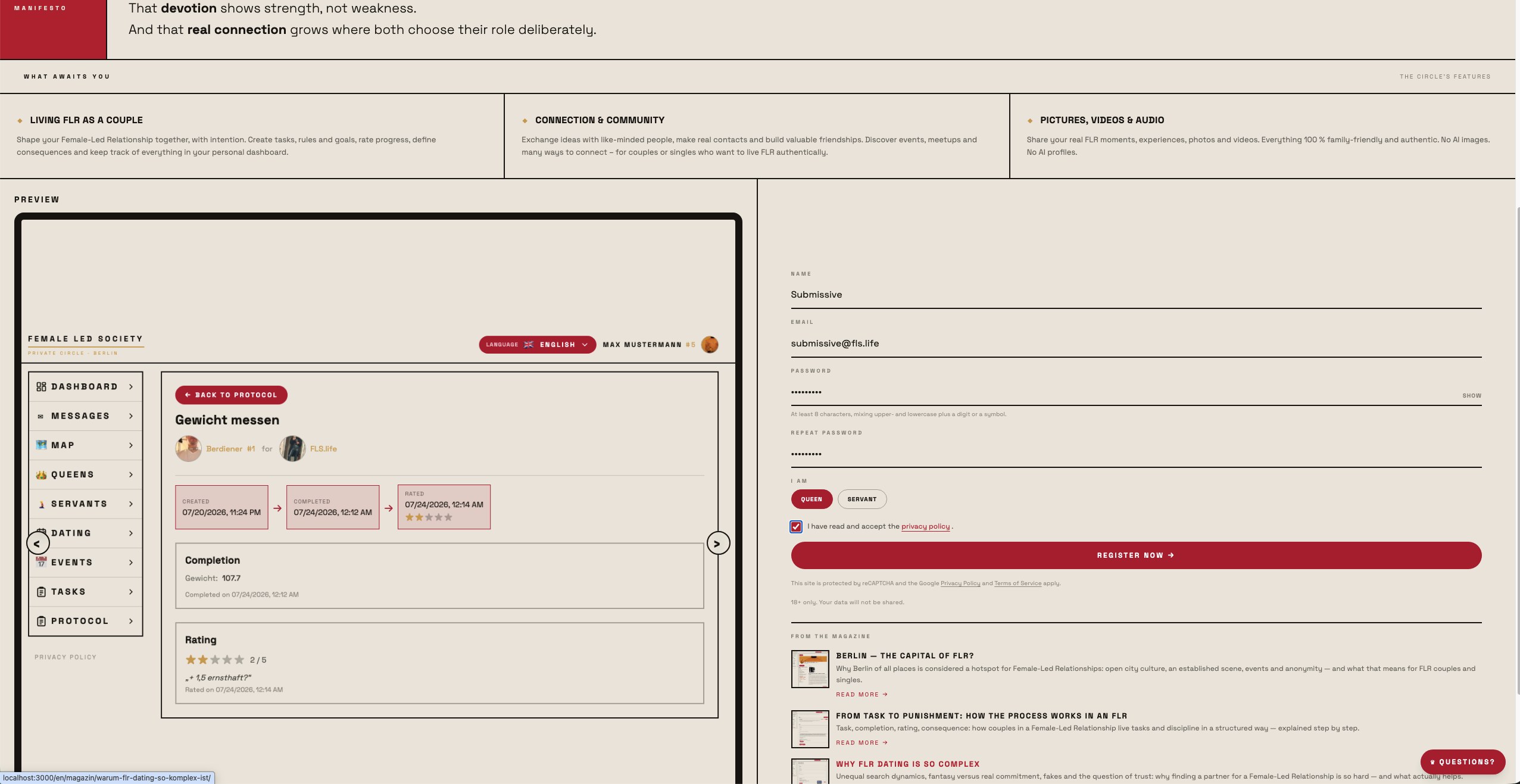
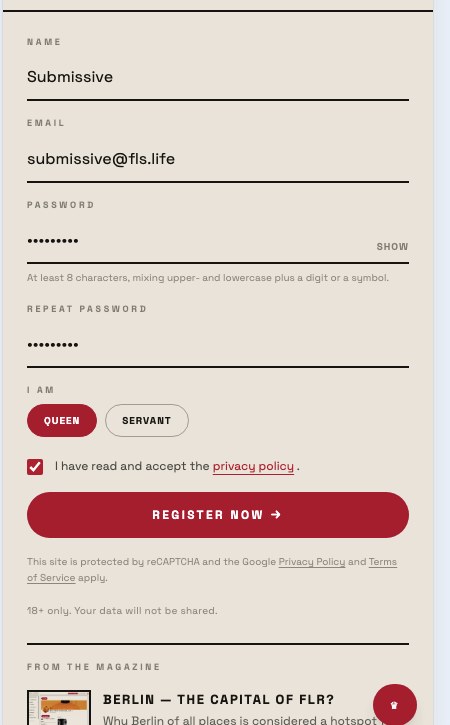
- Open www.fls.life. You reach the form via Join at the top right (on a phone in the bar next to the menu) or via the buttons Join as a Queen and Join as a servant in the Two paths section — those preselect the role. On a phone a bar Log in | Join also sits at the bottom edge until the form is in view.
- Enter your nickname and email. Submissive uses "Submissive" and the address
submissive@fls.life. The nickname is what others see; at least 4, at most 20 characters. You also enter your date of birth — it is required, because FLS is only for people aged 18 or over. Anyone younger cannot register. Others only see your age, never the date. - Choose a password and repeat it. At least eight characters, mixing upper- and lowercase plus a digit or a symbol; very common passwords and ones that contain your name or email are rejected.
- Pick your role under I am: Queen or Servant. There is no preselection — the form will not submit without a role. Submissive picks Servant, Femdom picks Queen later on.
- Tick the terms of use and the privacy policy (both open for reading in a dialog, the form stays put) and click Register now.
You can change your role later in your profile under I am — it is not a one-way street. But it decides how others find you and which fields your profile offers. Female servants choose the "Servant" role and additionally set their gender in the profile; the interface then addresses them accordingly.
Confirming your email
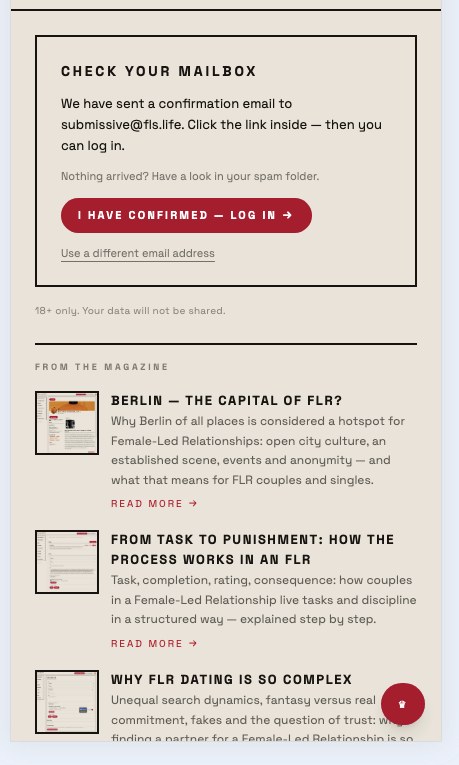
After submitting, the form shows Check your inbox:
A message from DoNotReply@fls.life with the subject Confirm your email address arrives in your inbox:
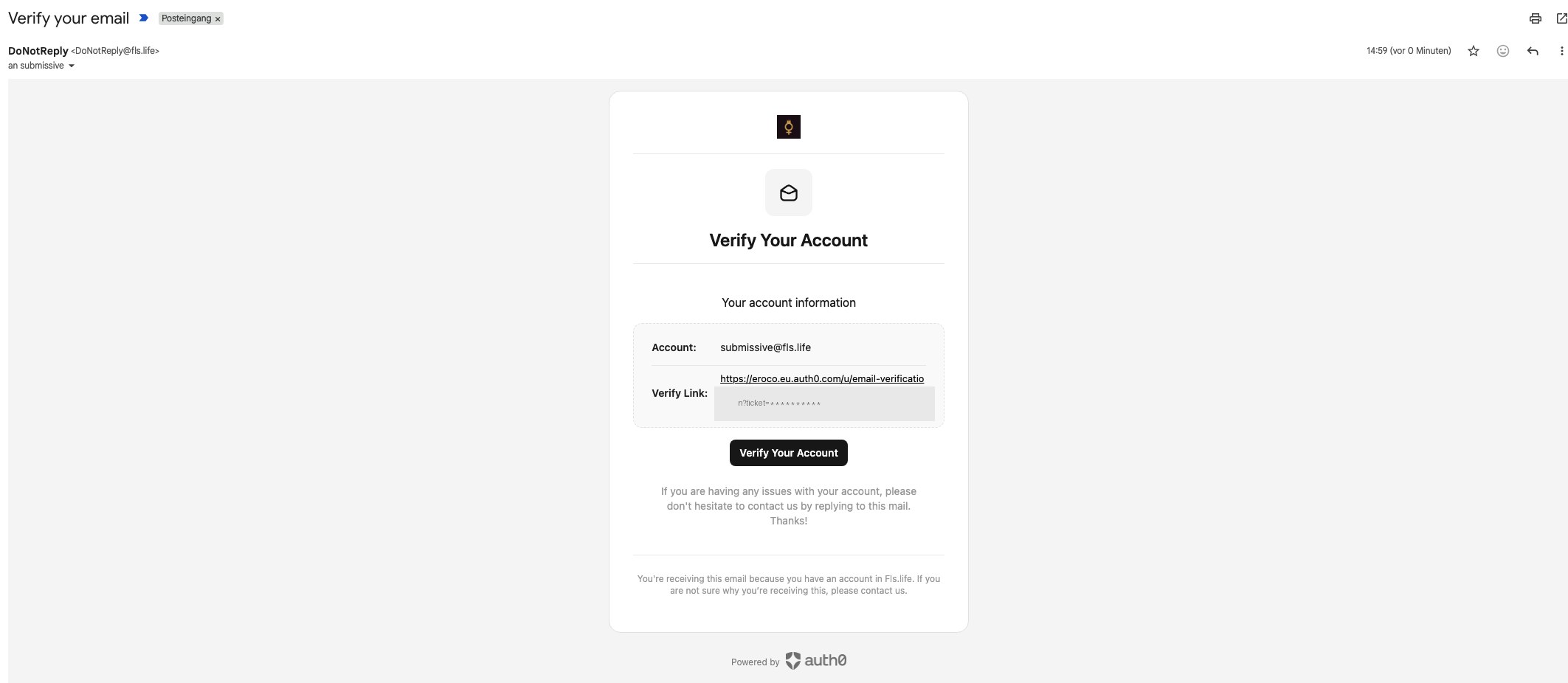
Click Confirm email address. The link takes you to a confirmation page that forwards you straight to the login:
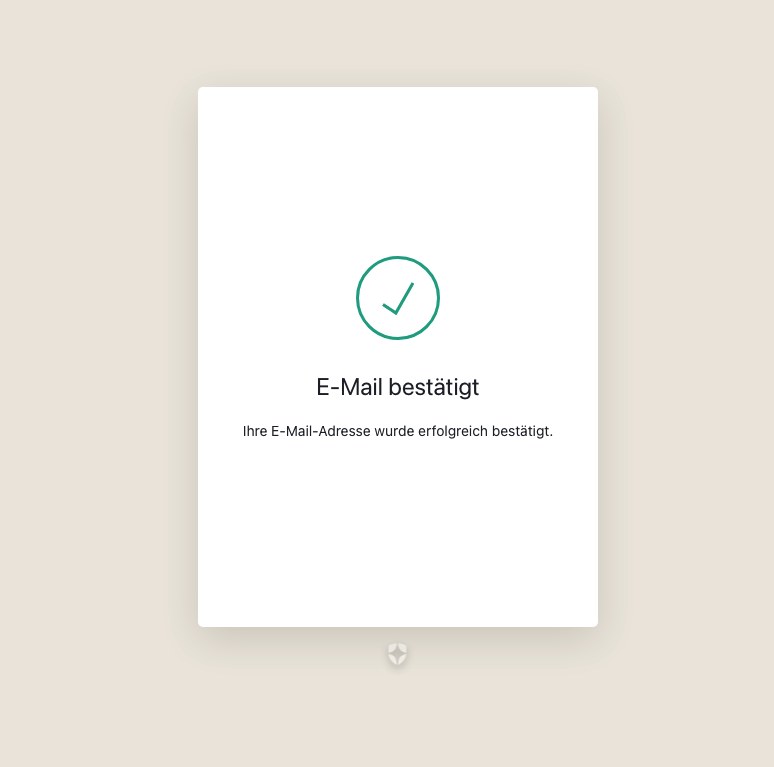
Only then can you log in. If the message does not arrive, check your spam folder — you can request it again up to three times, after logging in via Resend confirmation email. If the link has expired or was already used, the page tells you so; log in and have a new one sent.
Logging in and completing registration
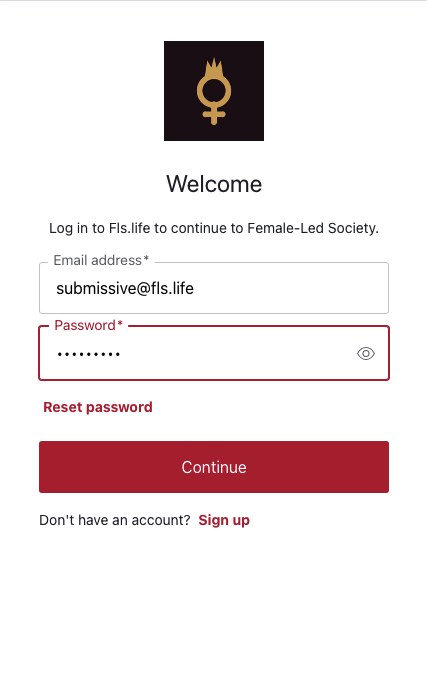
- Click Log in at the top right of the home page, or I have confirmed — log in in the registration panel.
- Enter your email address and password and click Continue.
- The first time, the page Complete registration asks for nickname, date of birth and role once more — confirm, done. If you confirmed the email on another device or in another browser, you enter your date of birth there once more.
What comes next depends on the role:
- Servants land in the welcome assistant (
/onboarding): two pages, each with a short video and the most important profile details — nickname, profile picture, height, weight, location, orientation, then date of birth, bonding preference, motto, services, desired measures, "About me". Everything is optional; Skip or To profile take you to your profile. - Queens land on their profile with the welcome dialog: first the location (the city is enough), then the offer to upload a profile picture right away — or Later.
On every later login you land straight on your dashboard.
The dashboard
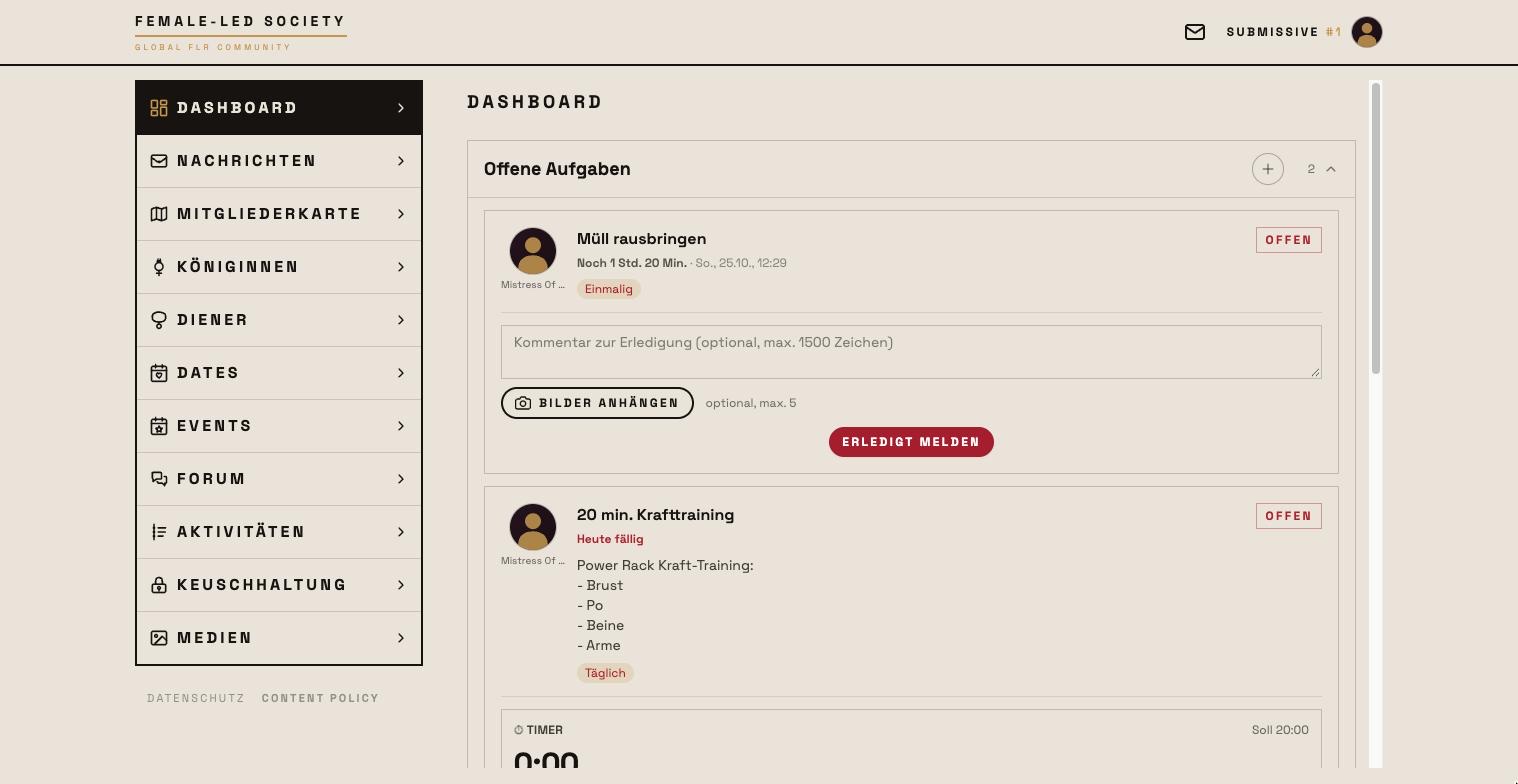
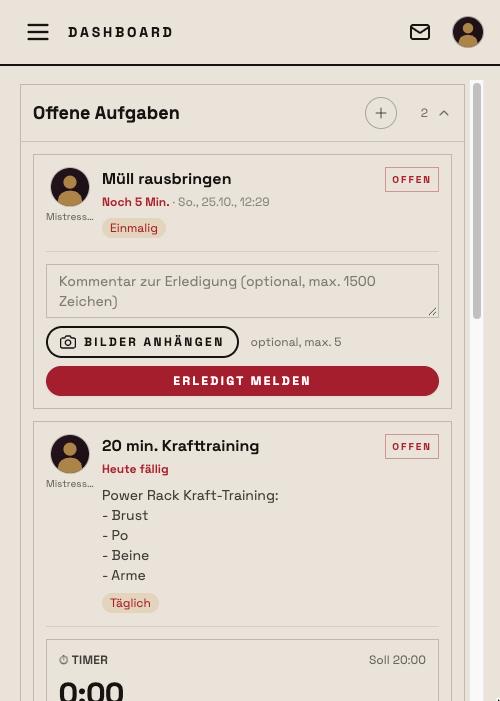
The dashboard is your home screen and shows what needs your attention right now. It consists of collapsible boxes with a counter; which ones appear depends on your role and on whether there is anything to do — empty boxes stay away.
Things waiting for a decision from you sit at the top:
- Complete your profile — as long as profile picture, location, services or the bonding preference are missing. Experience shows you will usually only be contacted once your profile is complete. Without a profile picture you also appear further down in search and cannot send messages.
- The offer to switch on push notifications. On your phone a bar at the bottom also reminds you to add the app to your home screen — only then are notifications possible on iPhone.
- Video rooms — rooms of events that are running or about to open (see Video rooms).
- Servant requests or Queen requests and Friend requests — with Confirm request and Decline.
- Event waitlist — requests to join your own events.
- Media access requests — who is asking for access to a protected medium.
Things coming up, below:
- Open tasks (for servants, with deadline and completion right on the card) or Tasks (for queens: completions waiting for her rating). The + in the header creates a new task.
- Misses and violations — with Attach educational measure or Mercy.
- Open educational measures and Chastity.
- Rules — permanently valid requirements, with their own +; collapsed at first.
- Goals.
How the boxes work in detail and how a task differs from a rule is explained in the guide Dashboard: tasks and rules.
Navigation
On the left you find the main menu with every section: Dashboard, Messages (with the number of unread ones), Member map, Queens, Servants, Dates, Events, Forum, Activity, Chastity, FLR Review and Media; below it Privacy and Content Policy. On a phone, the same menu opens via the icon at the top left; the title of the current page sits in the header there.
At the top right an envelope icon leads straight to Messages, and next to it your profile picture opens your own profile — as long as you have not uploaded one, the silhouette carries a +. You choose the language of the interface in your profile (tab Profile, field Language); on the home page the language switch sits in the header bar.
Support
Questions or problems? The Account tab of your profile has Write to support — one click opens a chat with the support account Mistress of the House, where the FLS team answers you personally. Calls and permissions are not available in this chat.
Questions before signing up
Anyone without an account yet finds the most common answers on the home page in the Questions and answers section — what an FLR is, what membership costs (currently nothing), who sees pictures, whether there are AI profiles (only one, openly labelled AI queen) and whether a real name is required (no). The Manuals and the Magazine, both reachable from the home page header, provide further background.
Next step
Complete your profile first — it is your calling card in the community: Setting up your profile.