In the Dates area, Queens and Servants publish date listings — from the classic FLR partner search to a concrete meet-up. You can find suitable dates near you or post your own.
Note: The screenshots show the German interface — the layout is identical in every language.
Browsing dates
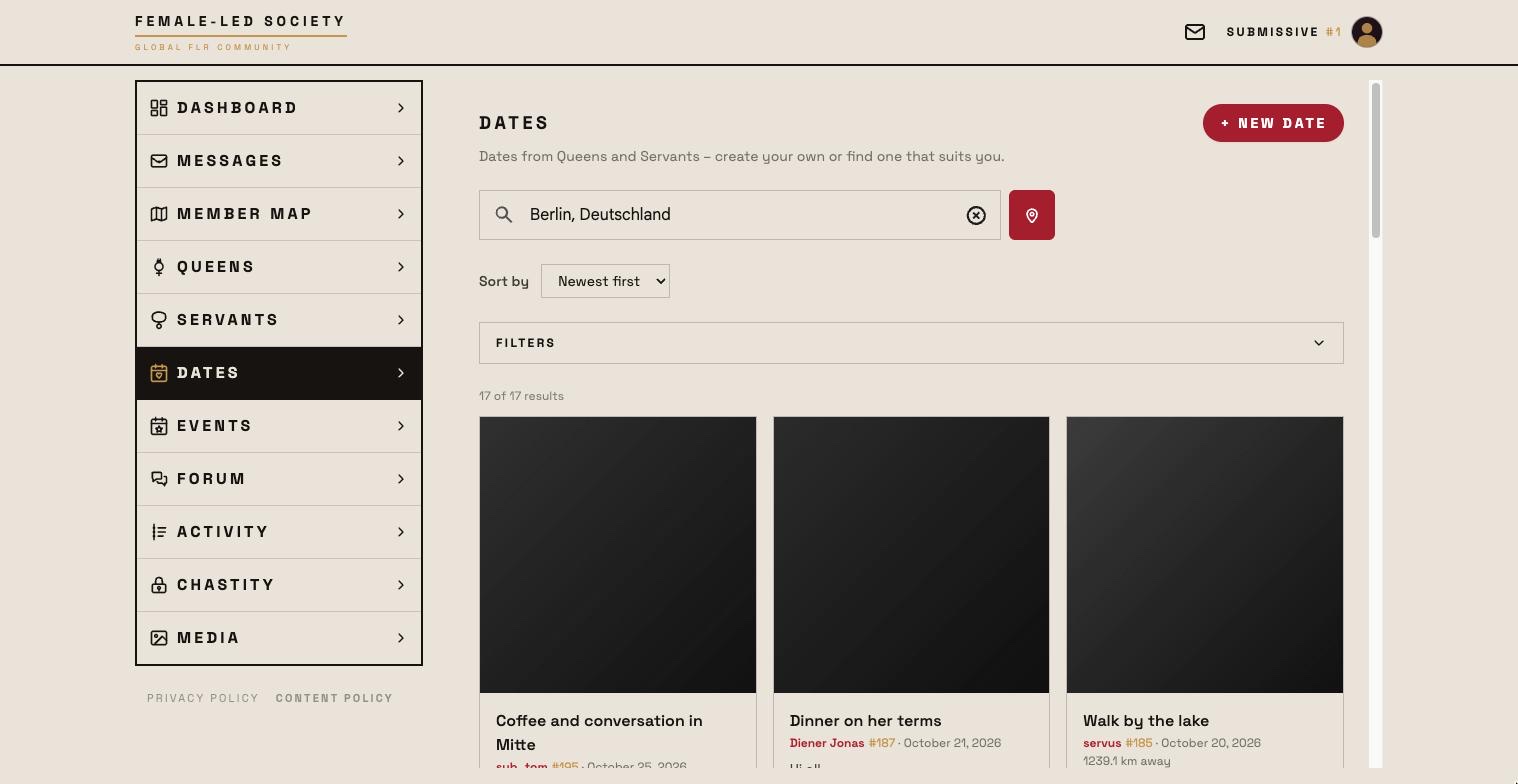
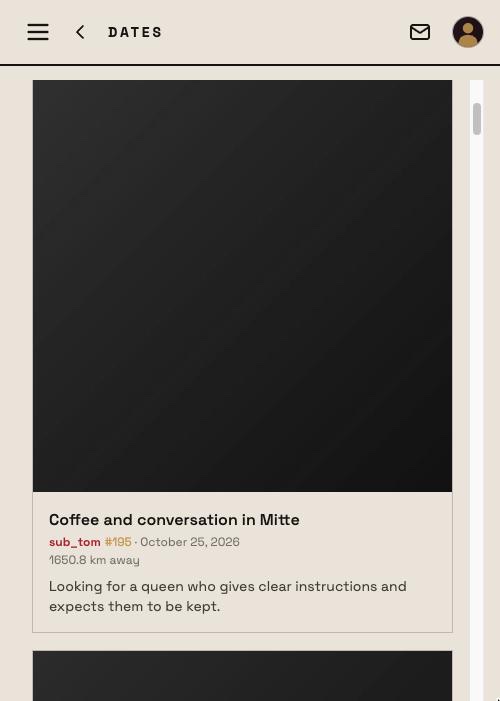
- Open Dates in the left menu.
- Set your location: Detect location automatically or Enter place or postal code. The search is always centred on your profile location — the place chosen here is adopted as your profile location, as on the map. Without a location no distances are shown.
- Sort by: Newest first to begin with; alternatively Distance or Last seen.
- Under Filters you narrow the list — by the author, not by the text: role (queen, servant), age, radius in kilometres (without a radius, dates by members without a location stay in), orientation, bonding preference, services for servants, recently online and with profile picture. There is no search by name or keyword here. The number of active filters shows on the filter button; Reset filters clears them.
- Listings appear as tiles in columns, newest at the top. Each shows a picture (the author's profile picture or a gallery picture they chose), title, author with servant number, date, distance and the listing text.
- Listings in another language are offered for translation — as in the Forum: below the text you see Written in … with a Translate button, afterwards Machine-translated from … with Show original.
- Clicking a listing opens the author's profile — from there you write to them via message.
Show more at the end of the list loads further entries. You also find a single member's dates on their profile page under Dates.
Creating your own date
You can only post a date if you have a profile picture of your own. If it is missing, + New date shows the notice You need a profile picture of your own to post a date with the link Upload photo instead of the form. Uploading is enough — you do not have to wait for the picture to be reviewed.
- Click + New date at the top right (it works the same on your own profile under Dates).
- Title — the field asks: What are you in the mood for? (e.g. “Looking for FLR / FEMDOM in Berlin”).
- Description — the place, the idea and who you are looking for; the more specific, the better the responses.
- Picture — your profile picture is preselected. Instead, you can tap one of your own gallery pictures (no videos, no pictures requiring approval). Others only see a gallery picture once moderation has approved it — until then your profile picture; your own card says Picture awaiting approval in the meantime.
- Save. The listing now appears for other members in the Dates area — as the newest, at the top to begin with.
Managing your listing
Your own listings carry a pencil for editing and a bin for deleting — in the Dates area and on your profile. Deleting asks first.