The Member map shows you members worldwide at a glance — perfect for seeing who is active in your city or region.
Note: The screenshots show the German interface — the layout is identical in every language.
Opening the member map
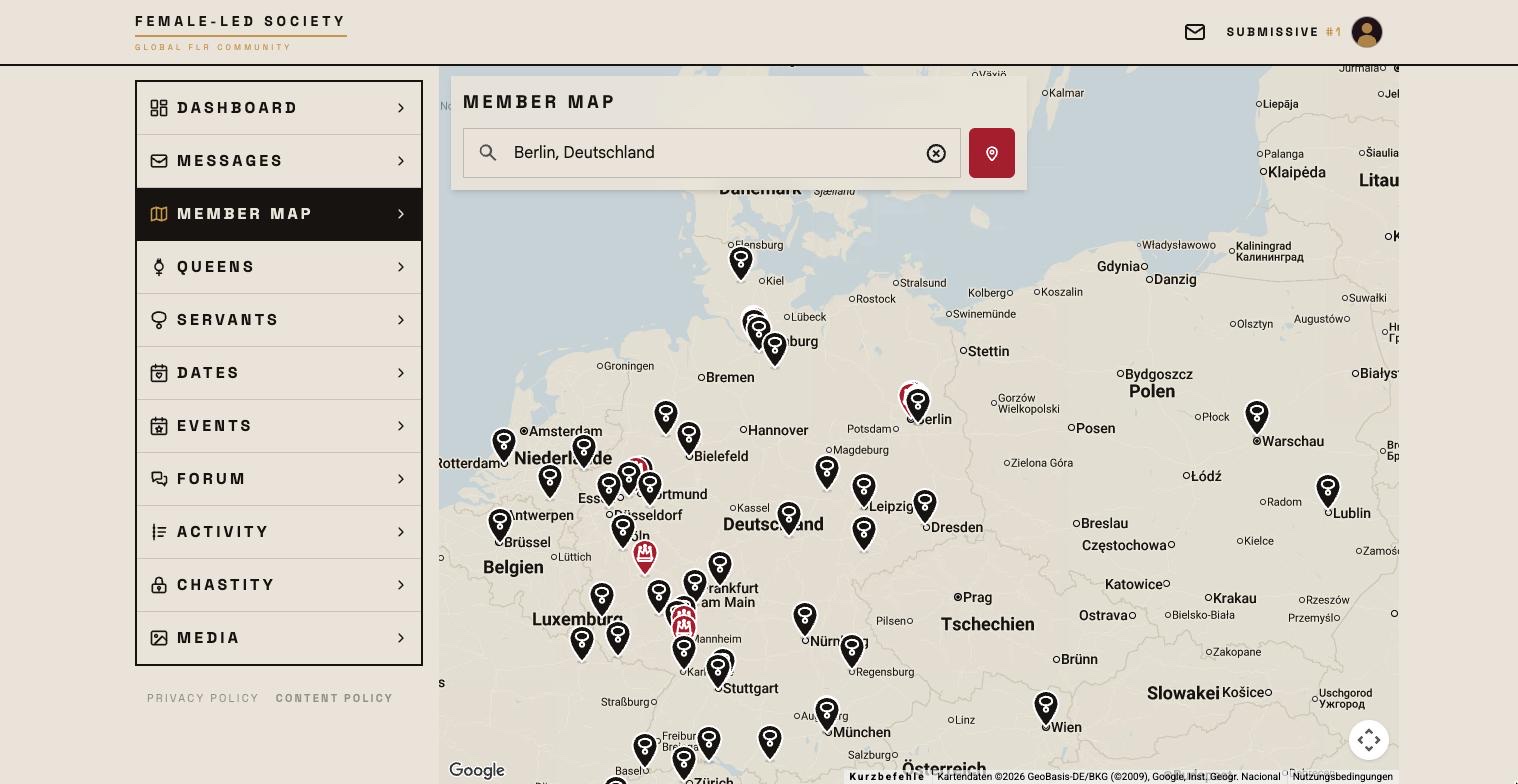
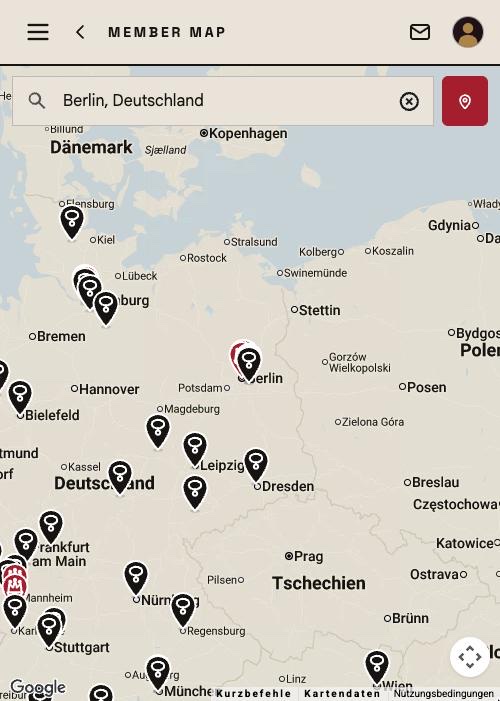
- Open Member map in the left menu.
- Set the starting point:
- Click Detect location automatically to use your current location (your browser asks for permission once), or
- type a city or postal code under Enter place or postal code.
The place you choose here is saved as your profile location. It then applies everywhere — in the search lists, in dating and in events. If you only wanted a quick look elsewhere, set it back afterwards.
The map shows every member with a location, not just a radius; it is for an overview, not for filtering. If you want to search deliberately, use the lists under Finding members. Without a location of your own the map stays empty — set it first.
Working with the map
- Members appear as markers at their place.
- Use + and − (or the mouse wheel or two fingers) to zoom in and out; drag to move the view.
- Clicking a marker opens a summary: profile picture, name (with number for servants), role, age and distance, city — and View profile, which opens the profile page.
Privacy
The map only shows the place a member has set in their profile — never an exact address. On top of that, every marker is coarsened to a grid of about five kilometres and placed with a fixed offset, so not even the part of town is recognisable and markers do not overlap; the distance in the summary still uses the real place. Members without a location are missing from the map. You control what you share yourself via your profile location (see Setting up your profile).